
It’s the 28th, and Priya is on her fourth cup of coffee.
Thank you for reading this post, don't forget to subscribe!
She runs accounts payable for a mid-sized distribution company. In front of her: a spreadsheet with three tabs, a stack of approved invoices someone forgot to forward, and a voicemail from a vendor asking why they were paid twice last week. Meanwhile, the bank statement and the ledger disagree by $4,312.18, and nobody knows why yet.
Nothing here is a disaster. Nobody’s stealing. Nobody’s incompetent. This is just what happens when vendor payments run on email threads, memory, and goodwill. The work gets done, but it takes more hours than it should, and every month ends with a small scavenger hunt.
If that sounds familiar, this guide is for you. We’ll walk through why manual payments cost more than they appear to, the five levels of automation (so you know where you are and where to go next), how reconciliation can mostly take care of itself, which controls to keep firmly in place, and a realistic six-week plan for getting started.
The hidden price tag of “it works fine”
Manual processes rarely look expensive, because the costs are scattered. Here’s where they hide:
Duplicate and incorrect payments. The same invoice arrives by email and by mail, and both get paid. Or a typo turns $1,250 into $12,500. Recovering that money takes weeks of awkward conversations.
Late fees and strained vendor relationships. An invoice sits in someone’s inbox while its due date passes. Vendors remember who pays on time, and sometimes adjust terms accordingly.
Missed early-payment discounts. A “2/10 net 30” offer gives you 2% off for paying within 10 days instead of 30. That sounds small, but paying 20 days early to earn 2% works out to an annualized return of roughly 37%. It’s hard to find that kind of return anywhere else on a balance sheet, and manual workflows miss it constantly.
Reconciliation hours. Matching payments to invoices to bank lines, by hand, month after month. It’s skilled work being used on clerical tasks.
Fraud exposure. Payment fraud often targets AP teams, usually through fake invoices or emails that claim a vendor changed their bank details. Busy teams working from inboxes are easier targets.
Zero visibility. Ask “how much do we owe next week?” and get three different answers from three people.
None of these shows up as a line item called “manual process tax.” But together, they’re real money.
The automation ladder: where are you today?
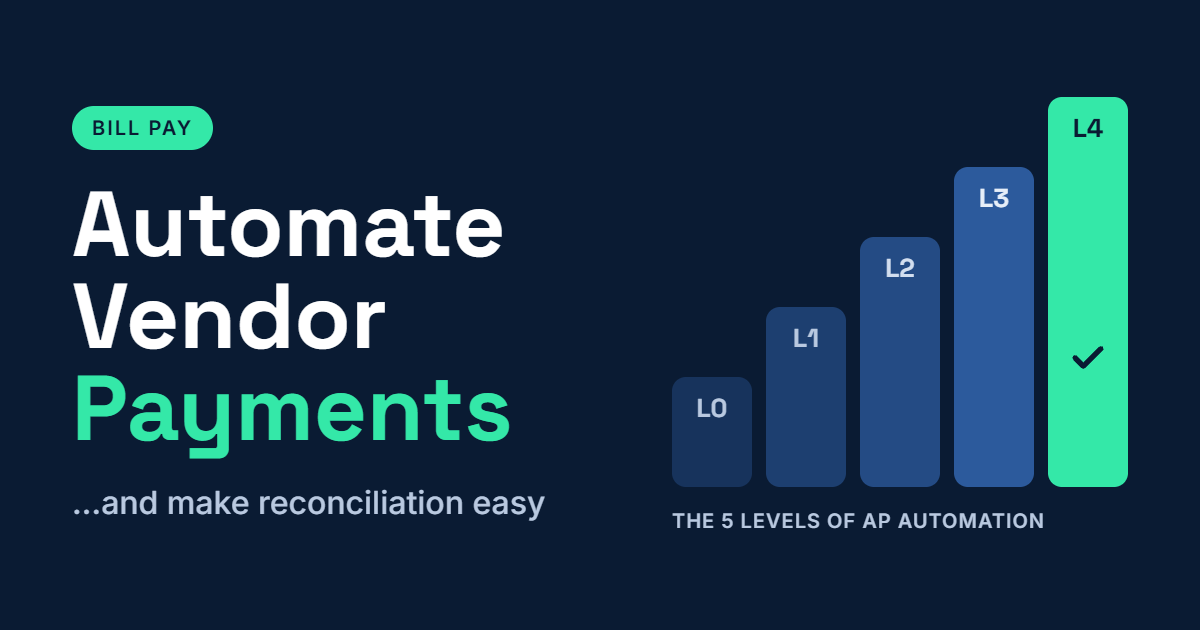
Most teams don’t jump from paper to full automation in one move. They climb. Here are five levels. Be honest about which one fits you.
Level 0: Paper and email. Invoices arrive by mail or inbox. Approvals happen by forwarding or signing. Payments go out by check or manual bank entry. Everything is tracked in spreadsheets.
Level 1: Digital, but disconnected. Invoices get scanned or saved to a shared folder. Payments run through online banking. Approvals still happen by email. Records live in several places.
Level 2: Centralized and workflow-driven. Invoices enter one system, with coded approval routes (by amount, department, or vendor). Payment runs happen in batches. The ledger gets updated manually or through a basic sync.
Level 3: Connected and automated. Invoices are captured automatically, matched to purchase orders or receipts, routed for approval, scheduled for payment, and sent electronically. Payment data flows back to the accounting system on its own.
Level 4: Optimized. On top of Level 3, you use payment timing intelligently: capturing early-pay discounts, scheduling payments around cash flow, flagging anomalies, and forecasting obligations in real time.
Most companies we meet are at Level 1 or 2. And here’s the encouraging part: the biggest gains come from the jump from Level 2 to Level 3. Teams that automate vendor payments end-to-end, from invoice capture to ledger update, tend to see the bulk of the time savings and error reduction there. Level 4 is a bonus, not a prerequisite.
What “automated” actually looks like, step by step
Let’s trace a single invoice through a Level 3 workflow.
- Capture. The invoice arrives by email or portal. Software extracts the key fields: vendor, invoice number, date, amount, line items, and terms. A person only steps in if something looks off.
- Validate. The system checks for duplicates (same vendor, same invoice number, same amount) and confirms the vendor exists in your approved list.
- Match. For purchase-based invoices, the system compares the invoice to the purchase order and, where relevant, the receiving record. That’s three-way matching. If quantities and prices agree within your tolerance, it moves on. If not, it lands in an exceptions queue.
- Approve. Based on your rules, the invoice routes to the right person. A $300 office supplies invoice might need one approver, while a $60,000 equipment bill needs two. Approvals happen on a phone in thirty seconds, not in a forwarded chain.
- Schedule. The payment is set for the best date: the due date, or earlier if there’s a discount worth taking.
- Pay. Funds go out by the vendor’s preferred electronic method, usually ACH for domestic vendors.
- Record and reconcile. The payment posts to the ledger, tagged to the invoice, and the bank line is matched to it automatically.
Step 7 is where the magic happens, so let’s spend a minute there.
How reconciliation starts to take care of itself
Reconciliation is hard when the pieces don’t share a common thread. A bank line says “ACH DEBIT VNDR 88421” and the ledger says “Smith Supply, inv. 1043,” and a human has to connect them.
Automation works by creating a thread that runs through the whole process:
- A unique payment ID attached to every payment at the moment it’s created
- Invoice numbers and references carried along in the payment’s remittance information, so both you and the vendor can see what was paid
- Bank feeds that pull transactions in automatically, so there’s no manual download and upload
- Matching rules that pair bank lines with open payments by amount, date, and reference
- An exceptions queue for anything that doesn’t match, so people only look at the 3% that’s actually weird
When that thread exists, the monthly close changes character. Instead of “find the missing $4,312.18,” it becomes “review the six unmatched items.” One of those is a bank fee, two are timing differences, and the rest are quick fixes.
A good reconciliation process also leaves a record: what matched, how, when, and who resolved the exceptions. That record helps with audits and vendor disputes alike.
The math, with an illustration
Let’s run some plausible numbers. These are illustrative only, so swap in your own.
Imagine a company that processes 400 vendor invoices a month. With a manual process, each invoice takes about 12 minutes of total staff touch time (entering, chasing approvals, preparing payment, recording, and reconciling). With a Level 3 workflow, that drops to about 3 minutes, mostly exception handling.
- Manual: 400 × 12 minutes = 4,800 minutes, or 80 hours per month
- Automated: 400 × 3 minutes = 1,200 minutes, or 20 hours per month
- Time freed up: about 60 hours per month, or roughly 720 hours a year
Now add the other effects: fewer duplicate payments, fewer late fees, some early-pay discounts captured, lower check and postage costs, and faster closes. Even modest wins in each category tend to stack.
Then compare against the cost of the tools and any payment fees. For a business with steady invoice volume, the picture is usually favorable, but verify it with your own numbers before committing. If your volume is small, a lighter-weight setup may be the better fit.
Picking the right payment rail
Automation doesn’t only change how you process payments, it changes how you send them. A few options:
ACH. The workhorse for domestic vendor payments. Low cost, easy to automate, and good for recurring and predictable bills. Standard ACH usually takes one to three business days, with Same Day ACH available for faster needs.
Checks. Still common, but slow, costly once you count printing, postage, and handling, and hard to track. Many companies keep them only for vendors who can’t take electronic payments.
Wires. Fast and final, but expensive. Best saved for urgent, large, or international payments.
Cards. Useful if you want to earn rewards or extend float, though many vendors add surcharges or won’t accept them for large invoices.
For most B2B payables, a sensible default is ACH for the majority, with wires and cards for specific cases. If you want a deeper comparison, our guide on ACH vs wire transfer covers the costs and risks in detail.
Controls you should never automate away
Here’s a worry we hear often: “If it’s automatic, who’s watching?” It’s a good question, and the answer is that automation should make controls stronger, not weaker. When you automate vendor payments, keep these safeguards firmly in place:
Approval limits. Payments above set thresholds require one or more human approvers. Build the rules into the system, not into memory.
Segregation of duties. The person who creates a vendor shouldn’t be the person who approves invoices, and neither should release payments alone.
Vendor bank-detail verification. This is the big one. If a vendor “changes their account number,” verify it by calling a known phone number on file (not one in the email asking for the change) before updating anything. Many payment fraud schemes depend on a single unchecked email.
Duplicate detection. Block or flag payments with matching vendor, invoice number, and amount.
Complete audit trails. Every action should have a user, a timestamp, and a reason.
Regular access reviews. People change roles. Their system permissions should change with them.
Exception handling rules. Decide in advance what happens to mismatched invoices, so exceptions don’t become back doors.
A well-designed system does these things automatically, and records proof that it did.
A six-week rollout that won’t break your team
You don’t need a giant project plan. You need a narrow start and a clear sequence. The simplest way to automate vendor payments is to start with a small slice and expand. Here’s one way to do it.
Week 1: Take stock. List your vendors, invoice volumes, payment methods, and approval paths. Identify your top 20 vendors by spend or invoice count. Document how an invoice currently moves from arrival to payment, including the messy parts.
Week 2: Clean the vendor file. Remove duplicates and inactive vendors. Collect current W-9s, verified bank details, and remittance preferences. This tedious step prevents the most errors later.
Week 3: Set the rules. Define approval thresholds, matching tolerances, payment timing policies, and who owns exceptions. Write it down on one page.
Week 4: Pilot with a handful of vendors. Pick five to ten cooperative vendors with regular invoices. Run them through the new workflow while keeping the old process available as a backup.
Week 5: Review and fix. Check what broke. Were approvals slow? Did matching rules flag too much? Did vendors receive payments as expected? Adjust.
Week 6: Expand. Add the remaining top vendors, then plan the rest in waves. Train staff, announce changes to vendors in advance, and keep a clear support contact.
Notice there’s no “flip the switch” day. Gradual rollouts are quieter, safer, and a lot easier to defend if something needs adjusting.
Where these projects go sideways
Automating a broken process. If your approval chain is chaotic, software will make it chaotic faster. Simplify first.
Skipping vendor communication. Vendors need to know about changes to remittance formats, payment methods, and timing. Surprise ACH deposits generate confused phone calls.
Ignoring data quality. Messy vendor records produce messy automation. Garbage in, garbage out.
Over-customizing. Every special exception you hard-code becomes something to maintain. Aim for rules that cover 90% of cases cleanly.
Forgetting cash flow. Faster payment isn’t always better. Automation should let you schedule payments strategically, not just send them sooner.
Treating security as an afterthought. Access controls, bank-detail change procedures, and monitoring should be part of the design from day one.
No owner. Someone needs to be accountable for the process after launch, including the exceptions queue and rule updates.
A word from Monarch
Monarch Technologies is a fintech company, a fully licensed money transmitter and a NACHA-certified Third Party Sender working with multiple financial institutions. We spend our days on the money-movement side of this conversation: ACH processing, payment infrastructure, and the compliance that keeps it all defensible.
If you want to automate vendor payments over ACH and need a partner who understands both the payment rails and the compliance rules around them, our platform brings together payment processing, ACH, merchant processing, escrow services, and compliance tools in one place. For B2B transactions where funds need to be held until conditions are met, escrow can also be a useful piece of the puzzle. Our team is happy to talk through how your payables might be set up.
Before Friday
You don’t have to buy anything or call anyone to start. Try this:
- Pull last month’s vendor payments and count how many were paid by check, wire, or manual ACH.
- Add up the hours your team spent on payment prep and reconciliation. Ask them; they’ll know.
- Look for duplicate payments, late fees, and missed discounts in the last three months.
- Pick your top 10 vendors and check whether their bank details and contacts are verified and current.
- Write down where you sit on the five-level ladder, and what the next rung would require.
That list takes an afternoon, and it gives you something better than a vendor pitch: your own baseline. Once you can see the gap between where you are and where you could be, the decision to automate vendor payments stops being a leap of faith and becomes a spreadsheet. And a spreadsheet, at least this time, is on your side.